
Desktop · live USB / installer
JawnOS for the PC
One compressed image. Write it to a 16 GB stick, or run the installer from it.
Decompress with zstd -d.
A personal, self-hosted operating environment
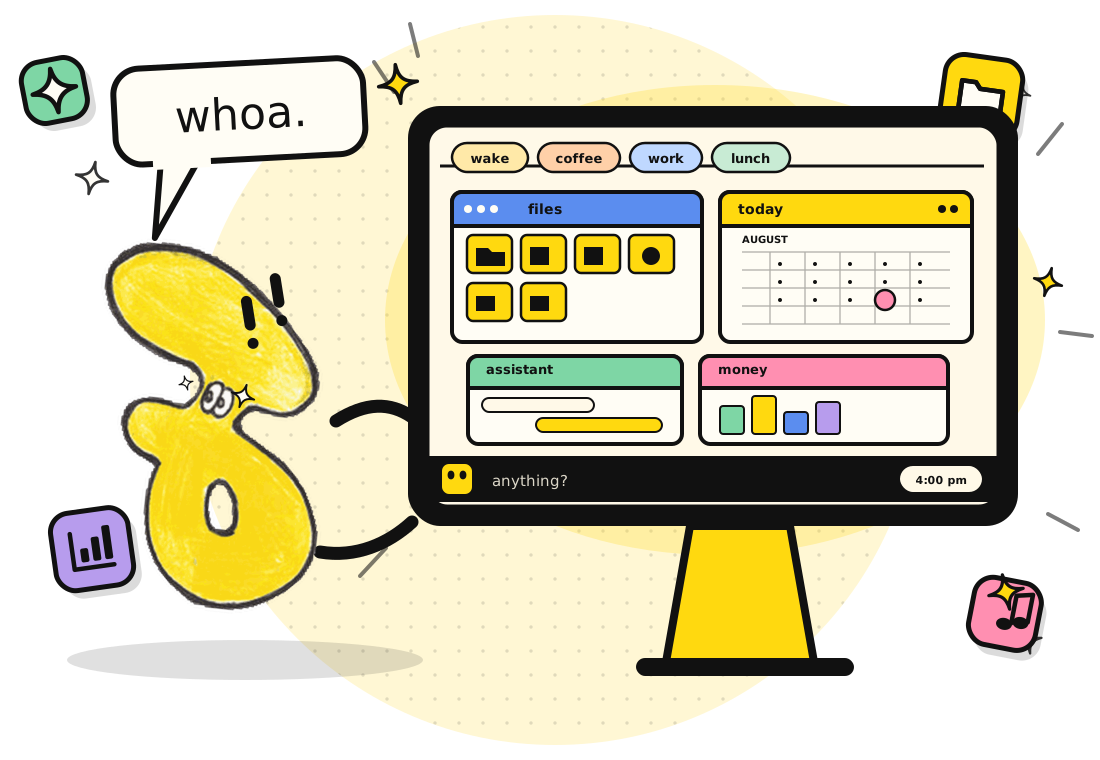
JawnOS turns a single Perl server into a browser-based command centre: files and media, appointments and tasks, budgets and invoices, inventory and mail, notes and maps, an AI assistant, and a small fleet of handheld and wearable devices.
Pre-alpha
Early builds, updated as they are made. The PC image is the live USB and the installer in one file; the app is the phone side. Each card greys out when there is nothing to fetch, and the links always point at the newest build.
Desktop · live USB / installer
One compressed image. Write it to a 16 GB stick, or run the installer from it.
Decompress with zstd -d.
Android · phone side
The house in your pocket: Mail, Chat, the dial, the store and the watch. Built on the Termux fork, licensed under GPLv2.
Download the appThe pre-alpha moves fast and may break — back up what you keep. The PC image is published to dl.jawnos.ca; the app is a GitHub release asset, and its source is the Termux fork above.
What it does
One server. One tab. The things one person actually does with a computer, gathered into one place and kept on a disk you control.
Windows that stack, snap and minimise, a rearrangeable taskbar, a start menu, a dock and a clothesline for the routines that belong to the hour.
Browse, view and play; paint, record, edit code or open a shell. Files can be sealed — encrypted under a name of their own — and opened again from the same menu.
Alarms, recurring appointments and reminders, nested checklists, routines, and a calendar that can notice the patterns in how you actually spend your time.
Budgets, invoices, quotes, payments, inventory, a warehouse and a market — all drawn from the same transaction history, so the numbers reconcile themselves.
IMAP/SMTP mail, SMS and chat, contacts, location history, and a pannable map of every place you have measured — with an optional tile basemap.
Chat and image generation through local Ollama or cloud models, speech and transcription, and a Guide that can search records, open apps and stage appointment changes.
One codebase, three faces
The same Perl tree is the browser desktop, the Linux dashboard and the Android app. The same server also talks to a wristwatch, a keyboard handheld and a microcontroller that drives real pins.
The full desktop, opened in any tab. Nothing to install on the client.
A GTK + WebKitGTK dashboard on Linux. Starts, stops and tails the tree, and embeds the whole UI in its own window.
A Termux fork that hosts the tree on a phone, with a dashboard, a status dot and the Bluetooth bridge.
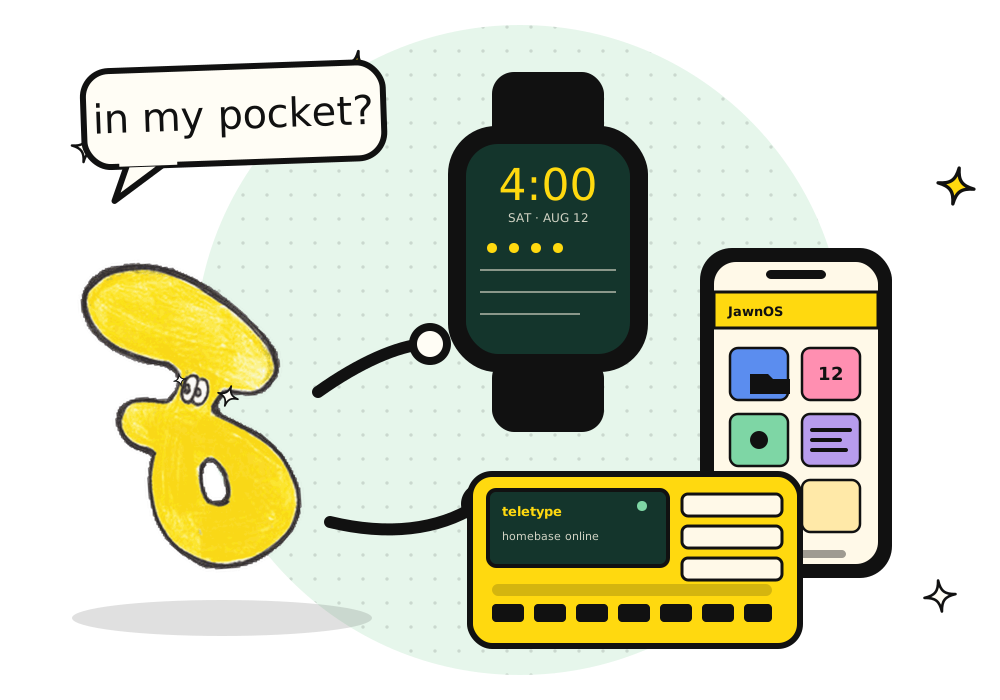
A simplified sketch of the manager — not a screenshot.
Under the hood
Perl and Mojolicious. SQLite, encrypted at rest. WebSockets for live updates. One generic appointments table that every app writes into, with an app-specific JSON payload for the details.
Download
The same image is the try-it USB and the installer. Pick a theme, write the image to a stick, and JawnOS keeps the theme when you install. Nothing is a commitment until you run the installer.
Five of the house themes. The download page writes a two-line file; the installer reads it. You can change themes later in Configure → Appearance.
Your file contains theme=nord
zstd -d jawnos-live.raw.zst
sudo dd if=jawnos-live.raw of=/dev/sdX bs=16M status=progress conv=fsync/dev/sdX with the stick. On Windows, write the decompressed .raw with balenaEtcher or Rufus. The house partition grows to fill the stick on first boot.
sudo mkfs.ext4 -L jawnos-state /dev/sdXnjawnos-live.img) to the Ventoy partition and boot it. The reserved partition is the house, so settings and files survive a reboot; without it, a Ventoy boot is read-only.
jawnos-theme.txt in its root.
A Ventoy boot is read-only, so its ESP cannot be edited: there, pick the theme on first boot or pass --theme to jawnos-install.
sudo jawnos-install --yes /dev/sdXDeveloping? Boot the same image in QEMU with a disk of your choosing:
sudo perl scripts/mkosi_build.pl --vm --disk-size 32 (GB, 10–4096 · default 16).
The launch
· jawnos.ca
JawnOS version 1.0 is scheduled for August 12, 2028 at 4:00 PM Eastern Time.
The tree is already live and being built in public. v1.0 is the target for the first finished release.
GitHub Sponsors
JawnOS is free, BSD-2 licensed, and developed with high-velocity, AI-assisted loops that draft, review and test changes across the whole tree at once. Sponsorship pays the token budget that keeps those loops running — and keeps the code open.
“If JawnOS is useful to you, sponsoring is the most direct way to keep it moving.”— the JawnOS README
One-time or monthly. Whatever works.